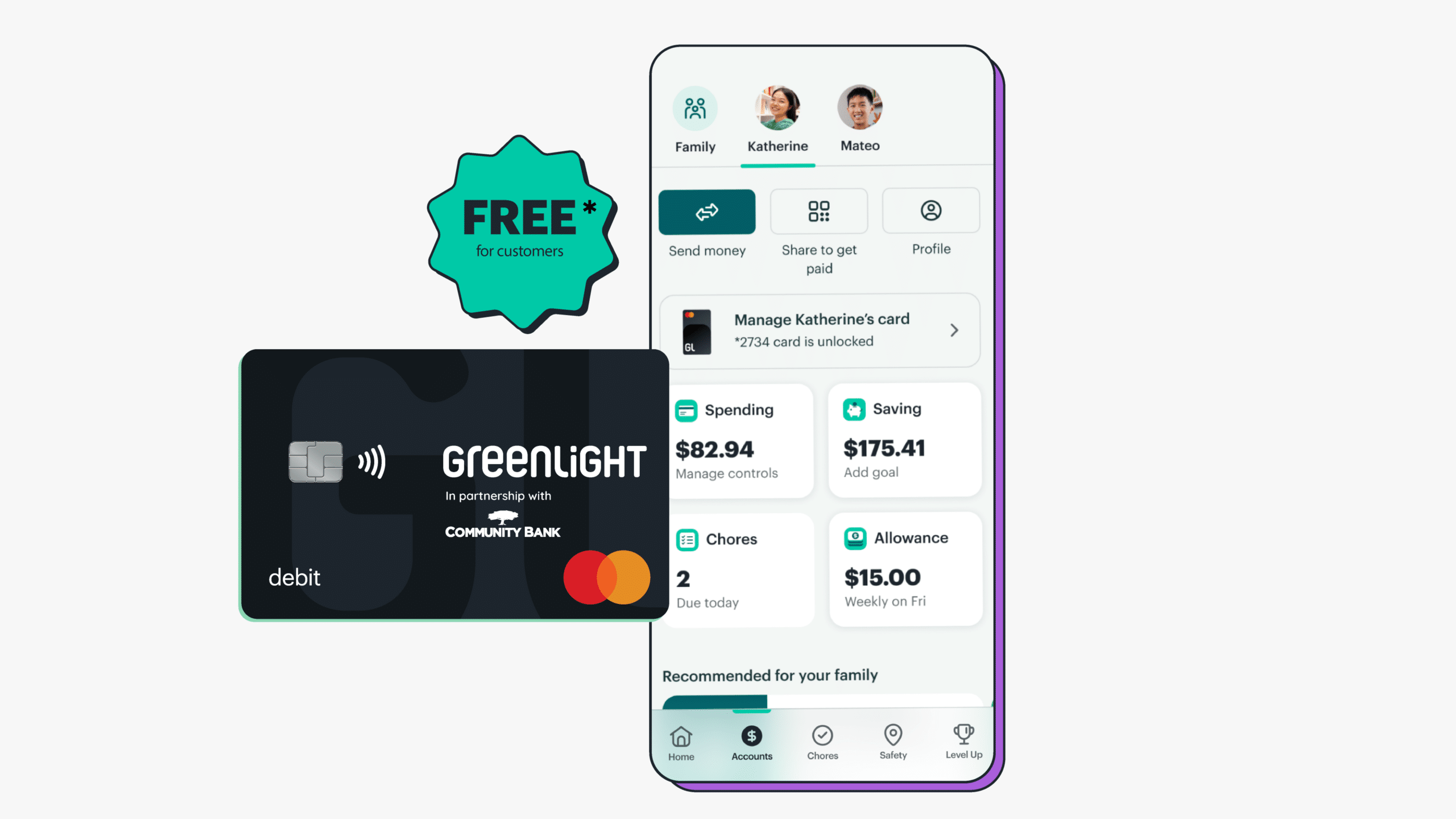
Get your free* Greenlight subscription today.

A debit card for kids. And so much more.
What Community Bank customers get with Greenlight:
- Money management: Send money quickly, set flexible controls, and get real-time notifications.
- Chores and allowance: Assign chores and automate allowance — with the option to connect payouts to chore progress.
- Savings goals: Set savings goals for what your kids really want — and watch them grow together.
- Financial literacy game: Kids play Greenlight Level Up™, the game that makes money concepts easy to understand and fun to learn.
FAQ
Your subscription includes debit cards for
up to 5 kids, spending notifications, chores, automated allowance, the financial literacy game Level Up, and more.
As a Community Bank customer, your Greenlight subscription is free*.
If you’re a Community Bank customer, you can enroll in your free* Greenlight subscription directly through the CB2GO mobile app. Existing Greenlight customers can also switch their current account to a free* subscription within the CB2GO mobile app.
To enroll, you must have a Community Bank consumer deposit account, be enrolled in CB2GO, have an eligible funding account, and download the CB2GO mobile app. The enrolling parent must be at least 18 years old and a U.S. resident. Eligible families can enroll up to five children.
Yes. Existing Greenlight customers can switch their account to the Community Bank partnership plan through the CB2GO mobile app.
Parents can send money, assign chores, automate allowances, set spending limits, block certain merchants or spending categories, receive real-time purchase alerts, and instantly lock or unlock cards.
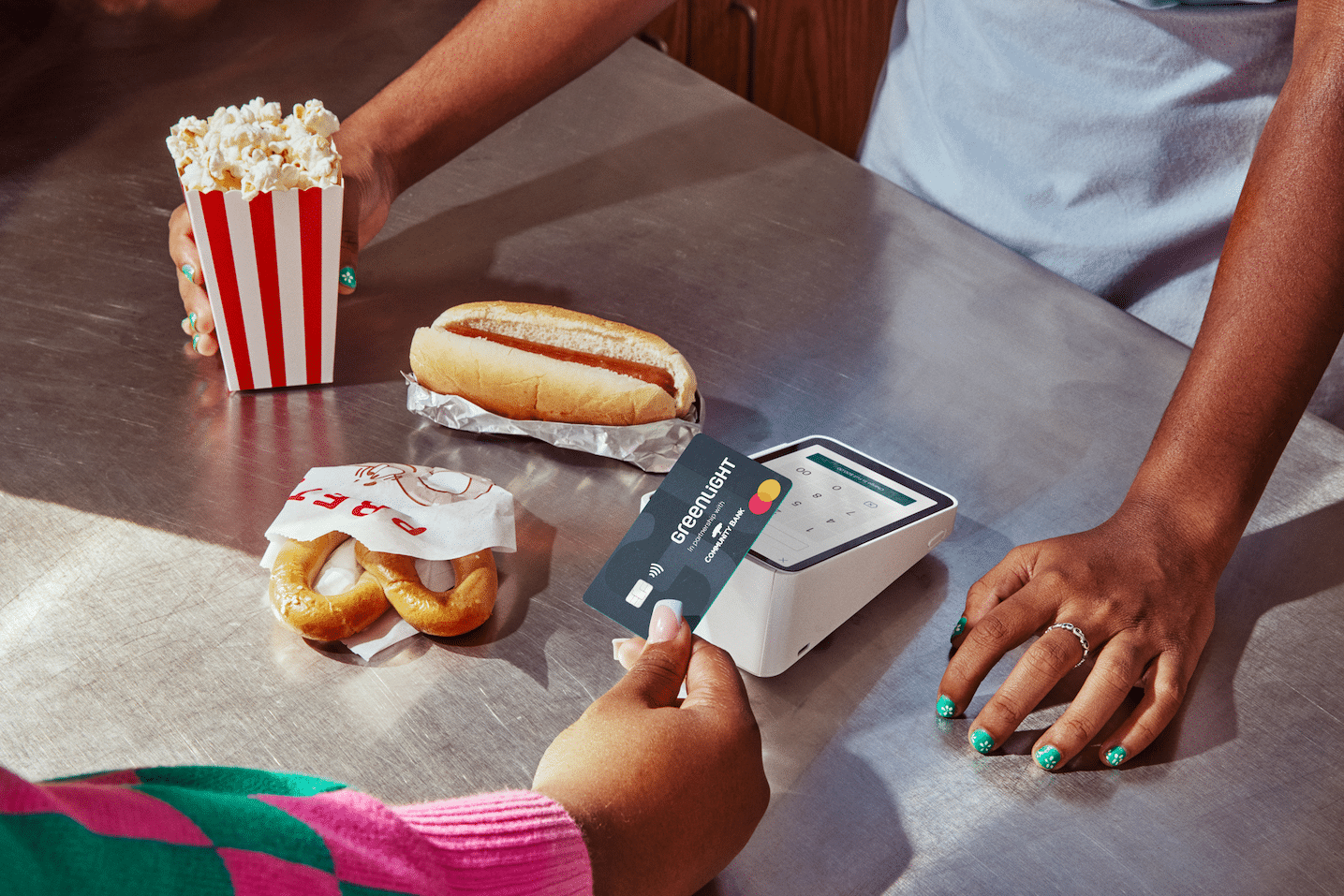
Kids can use their debit card wherever Mastercard is accepted, set savings goals, track their money, earn allowance, receive money from family and friends, and learn through Level Up™ financial literacy lessons and challenges.
Families can add up to five children, with no minimum or maximum age requirement for children.
Greenlight support is available by phone at 888-483-2645, by email at [email protected], through the Greenlight app chat feature, or through the online Help Center.
Disclaimers:
The Greenlight card is issued by Community Federal Savings Bank, member FDIC, pursuant to license by Mastercard International.
*Community Bank customers are eligible for the Greenlight SELECT plan at no cost when they connect their Community Bank account as the Greenlight funding source for the entirety of the promotion. Subject to minimum balance requirements and identity verification. Upgrades will result in additional fees. Upon termination of promotion, customers will be responsible for associated monthly fees. See terms at greenlight.com/promotionsgeneralterms for details. Offer ends 01/31/2030. Offer subject to change and partner participation. Card images shown are illustrative and may vary from the card you receive.